How to Restart Your Samsung TV – 10 Effective Solutions
Learn 10 ways to restart your Samsung TV, from soft resets to factory resets—with or without a remote! Fix freezing, lagging, and crashes in minutes.
Looking for Samsung TV and Audio Information? Look no further than Samsungtechwin.com! We have everything you need to know about Samsung TVs and Audio, all in one place.
Learn 10 ways to restart your Samsung TV, from soft resets to factory resets—with or without a remote! Fix freezing, lagging, and crashes in minutes.
Think you need WiFi to mirror your iPhone to a Samsung TV? Think again. Whether your home network is down or you’re in a location without internet access, you can still enjoy your favorite photos, videos, and apps on the big screen-no WiFi required. In this guide, you’ll discover two easy ways to screen mirror…
Thinking about upgrading your Samsung TV with wireless internet, but not sure if any WiFi adapter will do the trick? You’re not alone. Many Samsung TV owners want to cut the cord and stream content with ease-but run into confusion when it comes to choosing the right adapter. While it might seem tempting to grab…
Want to stream audio wirelessly from your TV or connect your favorite Bluetooth headphones for private viewing? You’re not alone-Bluetooth has become a must-have feature for modern home entertainment. The good news: most Samsung TVs, including Smart TVs, 4K UHD, QLED, and 8K QLED models from recent years, come equipped with Bluetooth, making it easy…
You finally sit down to watch your favorite show—only to be greeted by complete silence from your Samsung TV. Frustrating? Absolutely. But you’re not alone: sound issues are one of the most common problems Samsung TV owners face, and the good news is, most can be fixed at home in just a few minutes. Whether…
Ever wanted to capture a tutorial, save a video call, or share your gameplay directly from your Samsung Galaxy A12? While snapping photos is easy, recording your screen can seem a bit more mysterious—especially since the Galaxy A12 doesn’t come with a built-in screen recorder like some other Samsung models45. But don’t worry! With just…
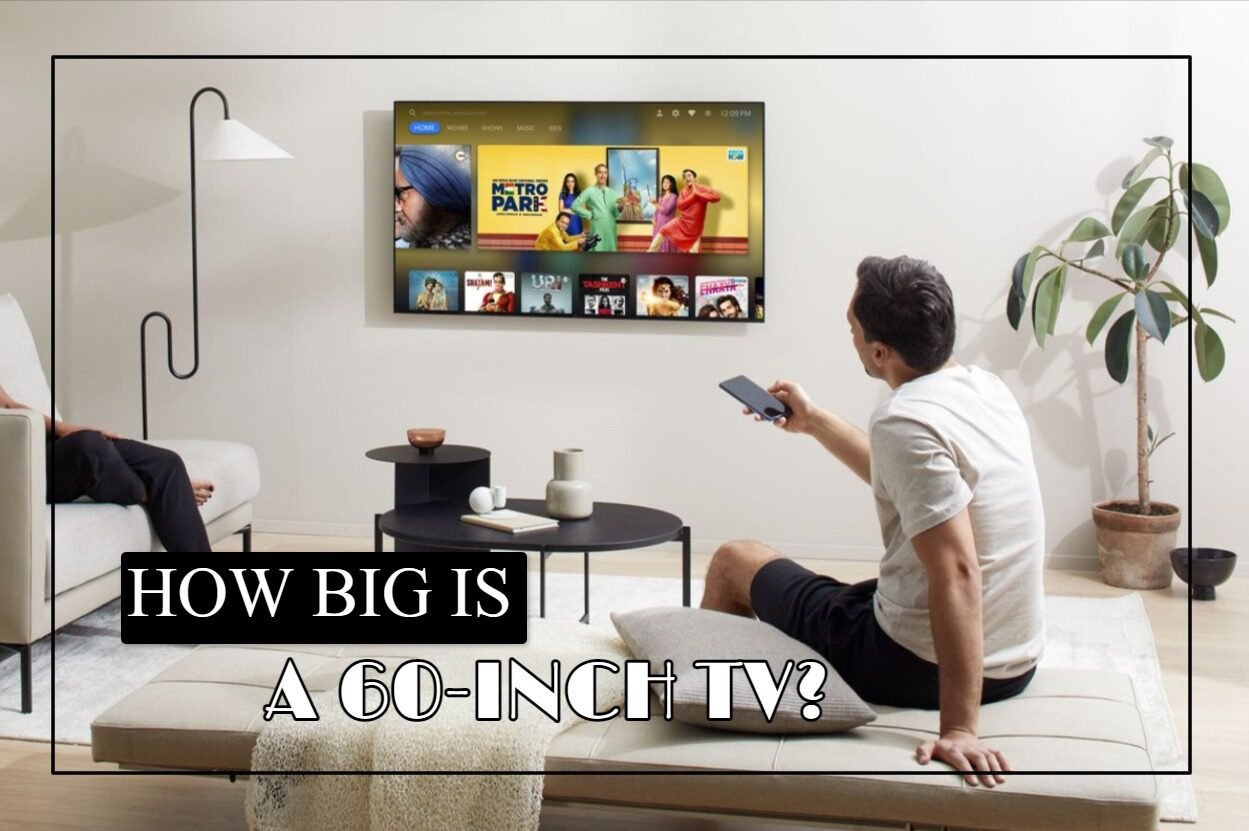
The size of a television is dependent on the size of its screen. However, the size indicated in numerous product names does not correspond to the TV’s height or breadth. Instead, it specifies the diagonal distance of the television. This measurement could need clarification regarding the proportions of a 60-inch television. If you want the…
Want to share photos, stream videos, or mirror your phone’s screen to your Samsung TV—without connecting to your home Wi-Fi? WiFi Direct makes it possible! This powerful feature lets your TV and mobile devices connect directly, so you can transfer content or cast your screen in seconds, even if your TV isn’t connected to the…
Are your Vizio TV’s colors looking washed out or too dark? Factory settings are designed for showrooms—not your living room. Unlock your TV’s true potential with these expert-calibrated settings Out of the box, Vizio TVs use default or store modes designed to catch your eye under bright showroom lights, not to deliver the best experience…
Wondered if your Samsung Smart TV has a built-in camera and, if so, where it’s located? With features like video calls and motion tracking, these cameras are designed to enhance your TV experience—but they can also raise privacy concerns. Depending on the model, the camera may be hidden in the bezel, retractable, or even absent…