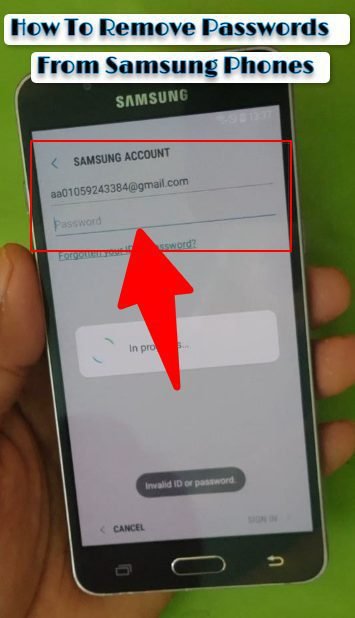
How to Change PIN on Samsung Phone: 4 Easy Ways to Update Your Screen Lock
Quick Answer: To change the PIN on a Samsung phone, open Settings, tap Lock screen, then Screen lock type, and enter your current PIN. Choose PIN, enter a new PIN, and enter it again to confirm. If you forgot your PIN, you must factory reset the phone, which erases all data, so back up first…