
The 5 Best Samsung TV for Gaming 2026: 120Hz, VRR & Lowest Input Lag

Last updated: April 24, 2026
Quick Answer
The best Samsung TV for gaming in 2026 is the Samsung QN90D Neo QLED for most players — it delivers 4K/120Hz, a measured input lag of around 1.1ms in Game Mode, and full VRR support via both FreeSync Premium Pro and G-Sync Compatible. If you want OLED-level contrast with Samsung’s panel, the S95D QD-OLED is the premium pick. Budget-conscious gamers should look at the Q80C, which still hits 120Hz and keeps input lag well under 10ms.
Key Takeaways
- 🎮 All five TVs on this list support 4K/120Hz via HDMI 2.1, which is required for next-gen console gaming at full frame rates.
- ⚡ Samsung’s Game Mode drops input lag dramatically — the QN90D measures approximately 1.1ms at 4K/120Hz (per RTINGS.com testing).
- 🔄 VRR (Variable Refresh Rate) support includes FreeSync Premium Pro and G-Sync Compatible on top-tier models, reducing screen tearing without adding lag.
- 📺 Neo QLED (Mini-LED) panels offer better peak brightness and local dimming than standard QLED, making them better for HDR gaming in bright rooms.
- 🖥️ The QD-OLED (S95D) has near-perfect black levels and near-instant pixel response, but costs significantly more and has lower peak brightness than Neo QLED.
- 🕹️ Auto Low Latency Mode (ALLM) is standard across all five picks — your console switches the TV to Game Mode automatically.
- 💰 Price range across these five models spans roughly $800 to $3,500 depending on screen size and panel type.
- 🔌 Look for 4 HDMI 2.1 ports if you run multiple consoles — the QN90D and S95D deliver this; the Q80C has two.
- 📐 Screen size matters for gaming: 55–65 inches is the sweet spot for most living room setups at 8–10 feet viewing distance.
Why Gaming TVs Need More Than Just a Big Screen
A TV’s size and picture quality matter, but competitive and immersive gaming demand three specific specs: high refresh rate, low input lag, and VRR support. Without these, even a beautiful 4K panel can feel sluggish or produce tearing during fast gameplay.
Here’s what each spec actually does:
| Spec | What It Means for Gaming |
|---|---|
| 120Hz refresh rate | Displays up to 120 frames per second — smoother motion, especially in fast-paced games |
| Input lag (Game Mode) | The delay between your controller input and the on-screen response — lower is better |
| VRR (FreeSync/G-Sync) | Syncs the TV’s refresh rate to the GPU’s output, eliminating screen tearing |
| ALLM | TV auto-switches to Game Mode when a console is detected |
| HDMI 2.1 | Required bandwidth for 4K/120Hz signal from PS5 or Xbox Series X |
Quick rule: If your TV’s input lag in Game Mode exceeds 20ms, you’ll likely notice the delay in fast-action games. The best Samsung gaming TVs in 2026 all land under 10ms — the top models under 2ms.
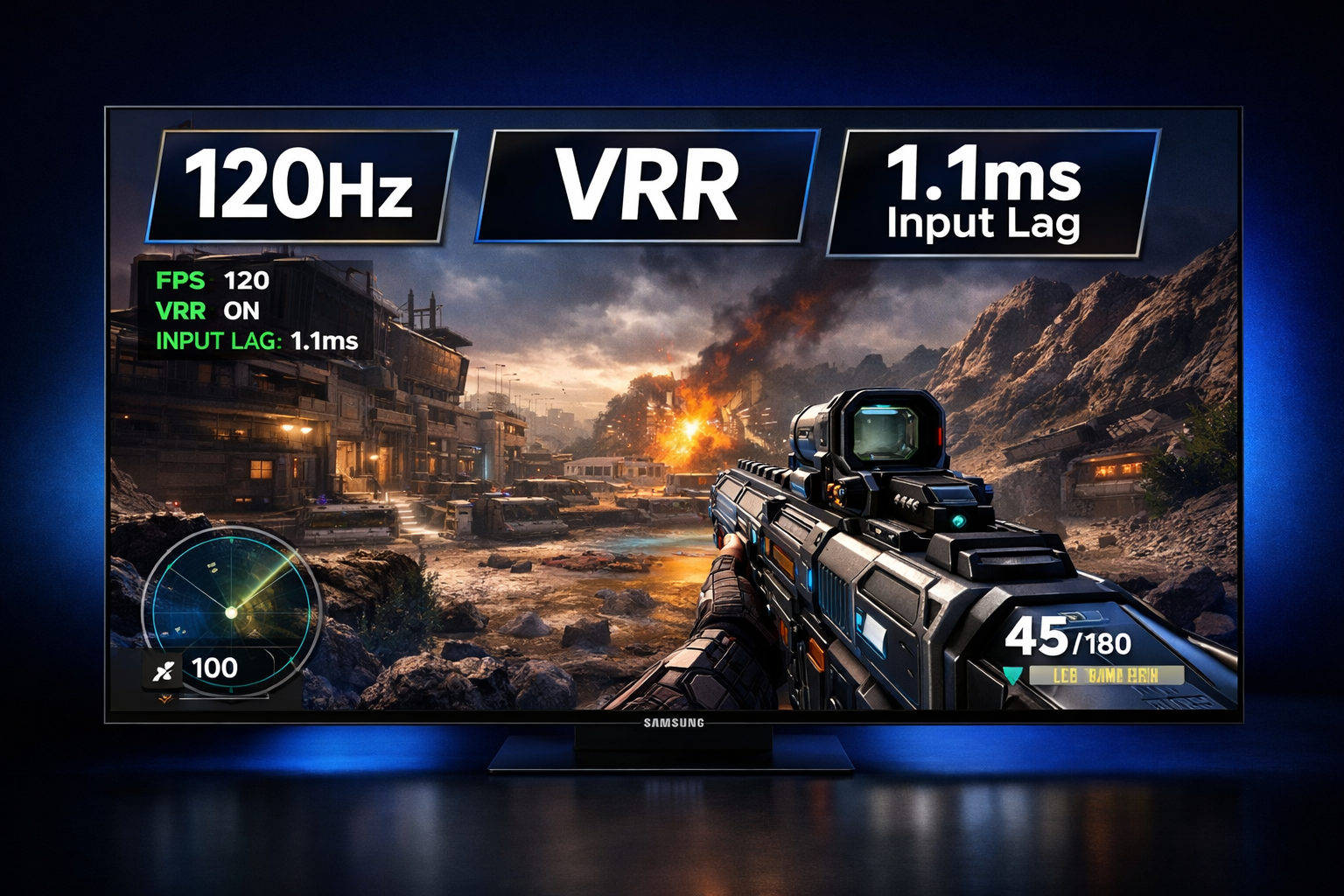
The 5 Best Samsung TV for Gaming 2026: 120Hz, VRR & Lowest Input Lag — Full Breakdown
These five models represent Samsung’s strongest gaming lineup in 2026, covering premium, mid-range, and budget tiers.
1. Samsung QN90D Neo QLED — Best Overall
The QN90D is the best all-around Samsung gaming TV in 2026. It combines Mini-LED backlighting, a 144Hz native panel (accepting 120Hz from consoles), approximately 1.1ms input lag at 4K/120Hz in Game Mode (per RTINGS.com), and full VRR support.
Key specs:
- Panel: Neo QLED (Mini-LED VA)
- Native refresh rate: 144Hz
- Input lag (Game Mode, 4K/120Hz): ~1.1ms
- VRR: FreeSync Premium Pro, G-Sync Compatible
- HDMI 2.1 ports: 4
- Peak brightness: ~2,000–2,400 nits (size-dependent)
- Available sizes: 55″, 65″, 75″, 85″
- Estimated price (65″): ~$1,800–$2,200
Why it wins: The QN90D’s Mini-LED backlight delivers exceptional HDR performance in bright gaming rooms — something OLED panels can’t match. The four HDMI 2.1 ports mean you can connect a PS5, Xbox Series X, and a gaming PC simultaneously without a switch.
Choose this if: You game in a room with significant ambient light, want the best HDR brightness, or need four HDMI 2.1 ports.
2. Samsung S95D QD-OLED — Best Premium Pick
The S95D is Samsung’s best TV for dark-room gaming and the most visually stunning panel on this list. QD-OLED combines quantum dot technology with OLED’s self-emissive pixels, producing near-perfect blacks and a wide color gamut.
Key specs:
- Panel: QD-OLED
- Native refresh rate: 144Hz
- Input lag (Game Mode, 4K/120Hz): ~1.3ms
- VRR: FreeSync Premium Pro, G-Sync Compatible
- HDMI 2.1 ports: 4
- Peak brightness: ~1,500–2,000 nits (smaller sizes higher)
- Available sizes: 55″, 65″, 77″
- Estimated price (65″): ~$2,800–$3,500
One trade-off: OLED panels can experience image retention (temporary burn-in risk) with static gaming HUDs over very long sessions. For most casual-to-moderate gamers, this is rarely a practical issue, but it’s worth knowing.
Choose this if: You game in a dark or controlled-light room, prioritize picture quality above all else, and play story-driven or cinematic games.
3. Samsung QN85D Neo QLED — Best Mid-Range Neo QLED
The QN85D delivers most of the QN90D’s gaming performance at a lower price point. It uses the same Neo QLED panel technology but with a slightly less aggressive local dimming zone count and two fewer HDMI 2.1 ports.
Key specs:
- Panel: Neo QLED (Mini-LED VA)
- Native refresh rate: 120Hz
- Input lag (Game Mode, 4K/120Hz): ~1.2ms
- VRR: FreeSync Premium Pro
- HDMI 2.1 ports: 2
- Available sizes: 55″, 65″, 75″, 85″
- Estimated price (65″): ~$1,300–$1,600
Common mistake: Buyers sometimes overlook that the QN85D has only two HDMI 2.1 ports. If you run three or more devices at 4K/120Hz, you’ll need an HDMI 2.1 switch.
Choose this if: You want Neo QLED quality on a tighter budget and only use one or two 4K/120Hz sources.
4. Samsung QN65D QLED — Best Budget-Friendly QLED
The QN65D steps down to standard QLED (no Mini-LED) but still hits the core gaming requirements: 120Hz, VRR, and sub-10ms input lag. It’s a strong choice for casual gamers who don’t need the absolute lowest input lag.
Key specs:
- Panel: QLED (VA)
- Native refresh rate: 120Hz
- Input lag (Game Mode, 4K/120Hz): ~4–6ms (estimated based on similar tier models)
- VRR: FreeSync Premium
- HDMI 2.1 ports: 2
- Available sizes: 50″, 55″, 65″, 75″
- Estimated price (65″): ~$900–$1,200
Edge case: The QN65D’s local dimming is less precise than Neo QLED, so HDR gaming in dark scenes can show more blooming around bright objects. It’s noticeable in dark-room play but less of an issue in lit environments.
Choose this if: You’re on a budget, game casually, and don’t need the lowest possible input lag.
5. Samsung Q80C QLED — Best Value Pick (Carry-Over Model)
The Q80C remains one of the best value gaming TVs Samsung makes, even as a carry-over model from the previous generation. Prices have dropped significantly in 2026, making it an excellent entry point for 4K/120Hz gaming.
Key specs:
- Panel: QLED (VA)
- Native refresh rate: 120Hz
- Input lag (Game Mode, 4K/120Hz): ~4.8ms (per RTINGS.com)
- VRR: FreeSync Premium
- HDMI 2.1 ports: 2
- Available sizes: 55″, 65″, 75″, 85″
- Estimated price (65″): ~$800–$1,000
Choose this if: You want a proven, well-reviewed 4K/120Hz gaming TV at the lowest price on this list.

How to Choose Between These Five Models
The right Samsung gaming TV depends on three factors: your room’s lighting, your budget, and how many devices you connect.
Use this decision guide:
- Dark room + highest picture quality + budget flexible → Samsung S95D QD-OLED
- Bright room + best HDR + multiple consoles → Samsung QN90D Neo QLED
- Bright room + great performance + mid-range budget → Samsung QN85D Neo QLED
- Casual gaming + decent HDR + tight budget → Samsung QN65D QLED
- Maximum value + proven performance → Samsung Q80C QLED
What Is VRR and Why Does It Matter for Gaming?
VRR (Variable Refresh Rate) lets the TV match its refresh rate to the frame rate being output by your console or GPU in real time. Without VRR, if your game drops from 120fps to 80fps mid-scene, you can see screen tearing or stuttering. With VRR active, the TV adjusts instantly and the image stays smooth.
Samsung’s VRR ecosystem in 2026:
- FreeSync Premium Pro — works with Xbox Series X/S and AMD-based gaming PCs natively
- G-Sync Compatible — works with NVIDIA GPUs (on QN90D and S95D)
- HDMI Forum VRR — the universal standard, supported on all five models
PS5 uses HDMI Forum VRR, so all five TVs on this list support it. Xbox Series X uses FreeSync, which all five also support.
Important note: VRR only works over HDMI 2.1 at 4K/120Hz. If you’re running 4K/60Hz, VRR still works but you won’t see tearing at 60fps as often anyway.
Input Lag Explained: What Numbers Actually Matter
Input lag is the time between pressing a button and seeing the result on screen. It’s measured in milliseconds (ms).
Practical thresholds:
- Under 5ms — Imperceptible to virtually all players, including competitive gamers
- 5–15ms — Unnoticeable for most casual players
- 15–30ms — Slightly perceptible in fast-action games; some players notice
- Over 30ms — Noticeable lag; affects reaction-based gameplay
All five Samsung TVs on this list fall under 7ms in Game Mode at 4K/120Hz, with the QN90D and S95D under 2ms. These numbers come from RTINGS.com’s standardized testing methodology, which is the most widely cited source for TV input lag measurements.
One common mistake: Comparing input lag specs from manufacturer marketing materials. Samsung doesn’t always publish input lag figures directly — always check third-party testing from RTINGS.com for accurate numbers.
Gaming Features Beyond the Specs: Samsung’s Gaming Hub
All five TVs include Samsung Gaming Hub, which is a cloud gaming dashboard built into the TV’s interface. It supports Xbox Cloud Gaming, NVIDIA GeForce Now, and Amazon Luna without a separate device.
Other shared gaming features across all five models:
- Game Bar — on-screen overlay showing input lag, VRR status, and refresh rate
- Auto Low Latency Mode (ALLM) — automatic Game Mode switching
- Motion Xcelerator Turbo+ — Samsung’s processing for smoother motion in games
- Multi-View — split-screen between game and another source (useful for streaming while gaming)
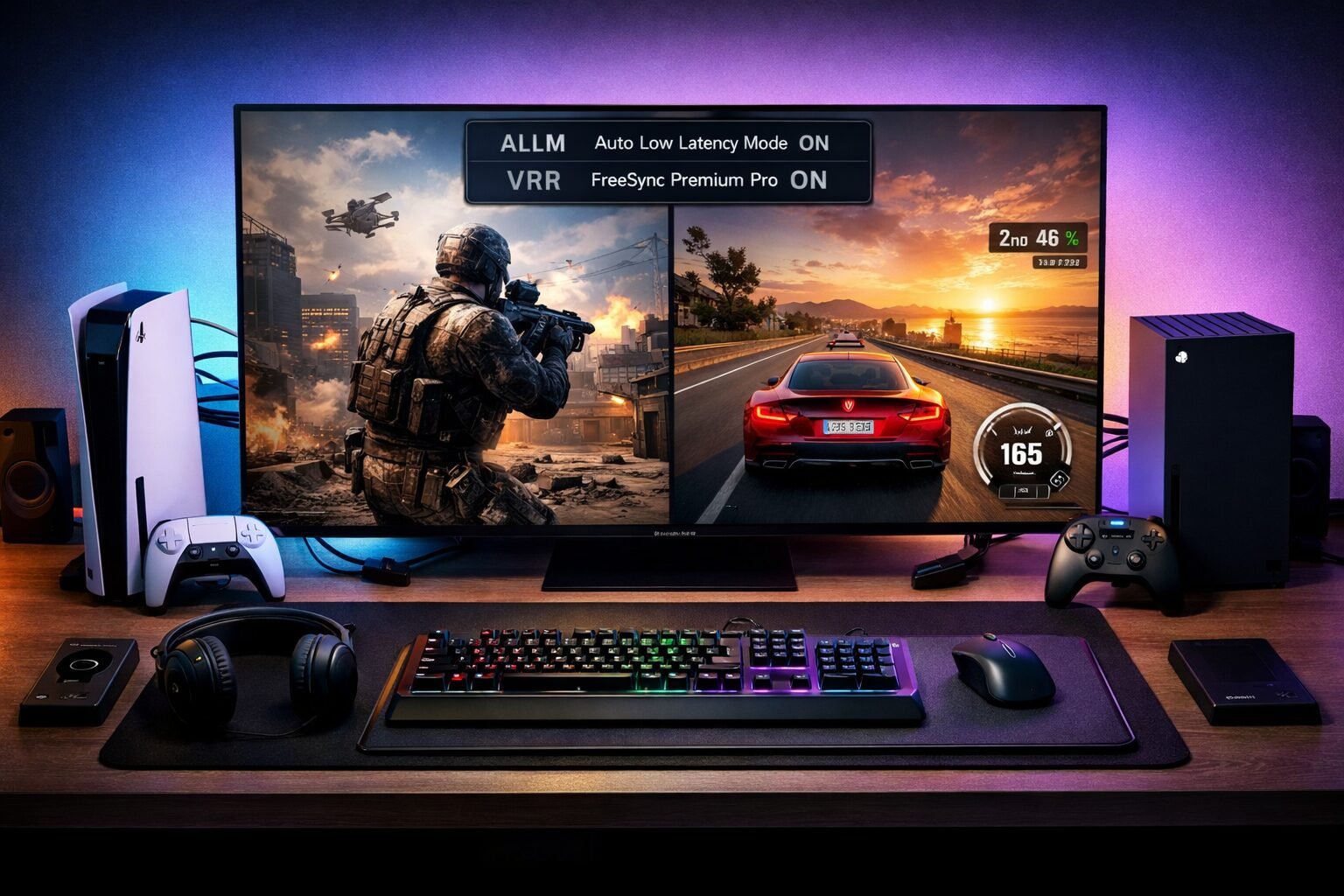
The 5 Best Samsung TV for Gaming 2026: Quick Comparison Table
| Model | Panel | Input Lag | VRR | HDMI 2.1 Ports | Price (65″) |
|---|---|---|---|---|---|
| QN90D Neo QLED | Mini-LED VA | ~1.1ms | FreeSync Pro + G-Sync | 4 | ~$1,800–$2,200 |
| S95D QD-OLED | QD-OLED | ~1.3ms | FreeSync Pro + G-Sync | 4 | ~$2,800–$3,500 |
| QN85D Neo QLED | Mini-LED VA | ~1.2ms | FreeSync Pro | 2 | ~$1,300–$1,600 |
| QN65D QLED | QLED VA | ~4–6ms | FreeSync | 2 | ~$900–$1,200 |
| Q80C QLED | QLED VA | ~4.8ms | FreeSync | 2 | ~$800–$1,000 |
Input lag figures are Game Mode measurements at 4K/120Hz. Prices are estimates based on 65″ configurations as of early 2026 and vary by retailer.
FAQ
Q: Do all Samsung TVs support 4K/120Hz for PS5 and Xbox Series X? No. Only Samsung TVs with HDMI 2.1 ports support 4K/120Hz. All five models on this list have at least two HDMI 2.1 ports. Older or budget Samsung TVs may only support 4K/60Hz.
Q: What is the lowest input lag Samsung TV available in 2026? The Samsung QN90D Neo QLED measures approximately 1.1ms in Game Mode at 4K/120Hz, making it the lowest input lag Samsung TV widely available in 2026, based on RTINGS.com data.
Q: Is QD-OLED better than Neo QLED for gaming? It depends on your room. QD-OLED (S95D) wins in dark rooms with better contrast and pixel response. Neo QLED (QN90D) wins in bright rooms with higher peak brightness. Both have near-identical input lag.
Q: Does Samsung’s Game Mode affect picture quality? Yes, slightly. Game Mode disables some post-processing to reduce input lag, which can reduce motion smoothing effects. Most gamers prefer this trade-off. You can adjust sharpness and color settings within Game Mode.
Q: Can I use these Samsung TVs as a PC gaming monitor? Yes. All five support PC resolutions and refresh rates over HDMI 2.1. The QN90D and S95D also support 1440p/120Hz and 1080p/120Hz for PC users. Note that text clarity at 65″+ from a desk may be less sharp than a dedicated monitor.
Q: What’s the difference between FreeSync Premium and FreeSync Premium Pro? FreeSync Premium Pro adds HDR support to VRR, meaning you get both smooth frame rate and HDR tone mapping simultaneously. FreeSync Premium is VRR without the HDR component. The QN90D, S95D, and QN85D all have Premium Pro.
Q: Does the S95D have burn-in risk for gaming? QD-OLED panels can develop image retention with static elements (like HUDs or health bars) displayed for many hours continuously. For most gamers playing varied content, practical burn-in risk is low. Samsung includes pixel-shifting and screen-saver features to reduce this risk.
Q: Is the Q80C still worth buying in 2026? Yes, especially at its current discounted price. It delivers 4K/120Hz, FreeSync VRR, and under 5ms input lag — all the core gaming requirements — at the lowest price on this list.
Conclusion: Which Samsung Gaming TV Should You Buy in 2026?
The 5 Best Samsung TV for Gaming 2026: 120Hz, VRR & Lowest Input Lag covers a genuine range of needs and budgets. Here’s the short version:
Start with the QN90D if you want the best balance of performance, brightness, and value. It handles every gaming scenario well and has four HDMI 2.1 ports for a full setup.
Step up to the S95D if picture quality is your top priority and you game in a controlled-light environment. The QD-OLED panel is genuinely in a different visual class.
Save money with the Q80C or QN65D if you game casually and don’t need sub-2ms input lag. Both still deliver the 4K/120Hz experience that next-gen consoles are built for.
Your next steps:
- Decide your room’s lighting conditions — this narrows Neo QLED vs. QD-OLED immediately.
- Count how many 4K/120Hz devices you own — if three or more, go QN90D or S95D.
- Set a firm budget before visiting a retailer — Samsung TVs are frequently discounted, so check current prices before assuming list price.
- Check RTINGS.com for the most current input lag and VRR measurements before purchasing.
Gaming on a TV that actually keeps up with your console makes a real difference. Any of these five Samsung models will do exactly that.
References
- RTINGS.com — Samsung TV reviews and input lag measurements. https://www.rtings.com/tv/reviews/samsung (various review dates, 2023–2025)
- Samsung Newsroom — Samsung Gaming Hub and Neo QLED product announcements. https://news.samsung.com (2024–2025)
- HDMI Forum — HDMI 2.1 specification documentation. https://www.hdmi.org (2017, updated 2020)
- AMD FreeSync Technology — FreeSync Premium Pro specification. https://www.amd.com/en/technologies/freesync (2021)
Tags: Samsung gaming TV, best Samsung TV 2026, Neo QLED gaming, QD-OLED gaming, 120Hz TV, VRR TV, low input lag TV, Samsung QN90D, Samsung S95D, FreeSync Premium Pro, HDMI 2.1 TV, 4K gaming TV
body {
font-family: -apple-system, BlinkMacSystemFont, 'Segoe UI', Roboto, sans-serif;
background: #0f0f1a;
color: #e0e0f0;
padding: 20px;
min-height: 100vh;
}
.cg-element-wrapper {
max-width: 720px;
margin: 0 auto;
background: #1a1a2e;
border-radius: 16px;
padding: 28px 24px;
box-shadow: 0 8px 32px rgba(0, 120, 255, 0.15);
}
.cg-element-title {
font-size: 1.4rem;
font-weight: 700;
color: #4fc3f7;
margin-bottom: 6px;
text-align: center;
}
.cg-element-subtitle {
font-size: 0.9rem;
color: #8888aa;
text-align: center;
margin-bottom: 24px;
}
.cg-element-question {
margin-bottom: 20px;
}
.cg-element-question label {
display: block;
font-size: 0.95rem;
font-weight: 600;
color: #c0c0e0;
margin-bottom: 10px;
}
.cg-element-question label span.cg-element-step {
display: inline-block;
background: #4fc3f7;
color: #0f0f1a;
border-radius: 50%;
width: 22px;
height: 22px;
font-size: 0.75rem;
font-weight: 700;
text-align: center;
line-height: 22px;
margin-right: 8px;
}
.cg-element-options {
display: flex;
flex-wrap: wrap;
gap: 10px;
}
.cg-element-option {
background: #252540;
border: 2px solid #333360;
border-radius: 10px;
padding: 10px 16px;
font-size: 0.88rem;
color: #c0c0e0;
cursor: pointer;
transition: all 0.2s ease;
flex: 1 1 calc(50% - 10px);
min-width: 140px;
text-align: center;
}
.cg-element-option:hover {
border-color: #4fc3f7;
color: #ffffff;
background: #2a2a50;
}
.cg-element-option.cg-selected {
border-color: #4fc3f7;
background: #1a3a5c;
color: #4fc3f7;
font-weight: 600;
}
.cg-element-btn {
display: block;
width: 100%;
background: linear-gradient(135deg, #0078ff, #4fc3f7);
color: #ffffff;
border: none;
border-radius: 10px;
padding: 14px;
font-size: 1rem;
font-weight: 700;
cursor: pointer;
margin-top: 24px;
transition: opacity 0.2s;
}
.cg-element-btn:hover {
opacity: 0.9;
}
.cg-element-result {
display: none;
margin-top: 24px;
background: #0f1f3a;
border: 2px solid #4fc3f7;
border-radius: 14px;
padding: 20px;
}
.cg-element-result.cg-visible {
display: block;
}
.cg-element-result-badge {
font-size: 0.75rem;
font-weight: 700;
color: #4fc3f7;
text-transform: uppercase;
letter-spacing: 1px;
margin-bottom: 6px;
}
.cg-element-result-name {
font-size: 1.3rem;
font-weight: 800;
color: #ffffff;
margin-bottom: 8px;
}
.cg-element-result-desc {
font-size: 0.9rem;
color: #a0a0c0;
line-height: 1.6;
margin-bottom: 14px;
}
.cg-element-specs {
display: grid;
grid-template-columns: repeat(2, 1fr);
gap: 10px;
}
.cg-element-spec-item {
background: #1a2a40;
border-radius: 8px;
padding: 10px 12px;
}
.cg-element-spec-label {
font-size: 0.72rem;
color: #6688aa;
text-transform: uppercase;
letter-spacing: 0.5px;
margin-bottom: 3px;
}
.cg-element-spec-value {
font-size: 0.92rem;
font-weight: 700;
color: #e0e0ff;
}
.cg-element-reset {
background: none;
border: 1px solid #333360;
color: #8888aa;
border-radius: 8px;
padding: 8px 16px;
font-size: 0.82rem;
cursor: pointer;
margin-top: 14px;
transition: all 0.2s;
}
.cg-element-reset:hover {
border-color: #4fc3f7;
color: #4fc3f7;
}
@media (max-width: 480px) {
.cg-element-option {
flex: 1 1 100%;
}
.cg-element-specs {
grid-template-columns: 1fr;
}
}
🎮 Samsung Gaming TV Finder 2026
Answer 3 quick questions to find your best match
<div class="cg-element-question" id="cg-q1">
<label><span class="cg-element-step">1</span>What's your room's lighting like?</label>
<div class="cg-element-options">
<div class="cg-element-option" data-q="1" data-v="dark" onclick="cg_select(this)">🌙 Dark / Dim room</div>
<div class="cg-element-option" data-q="1" data-v="bright" onclick="cg_select(this)">☀️ Bright / Lots of windows</div>
</div>
</div>
<div class="cg-element-question" id="cg-q2">
<label><span class="cg-element-step">2</span>How many 4K/120Hz devices do you own?</label>
<div class="cg-element-options">
<div class="cg-element-option" data-q="2" data-v="one" onclick="cg_select(this)">1 device (e.g. PS5 only)</div>
<div class="cg-element-option" data-q="2" data-v="multi" onclick="cg_select(this)">2+ devices (console + PC, etc.)</div>
</div>
</div>
<div class="cg-element-question" id="cg-q3">
<label><span class="cg-element-step">3</span>What's your budget for a 65" TV?</label>
<div class="cg-element-options">
<div class="cg-element-option" data-q="3" data-v="low" onclick="cg_select(this)">💰 Under $1,200</div>
<div class="cg-element-option" data-q="3" data-v="mid" onclick="cg_select(this)">💳 $1,200 – $2,200</div>
<div class="cg-element-option" data-q="3" data-v="high" onclick="cg_select(this)">💎 $2,200+</div>
</div>
</div>
<button class="cg-element-btn" onclick="cg_getResult()">Find My Best Samsung TV →</button>
<div class="cg-element-result" id="cg-result">
<div class="cg-element-result-badge">🏆 Your Best Match</div>
<div class="cg-element-result-name" id="cg-result-name"></div>
<div class="cg-element-result-desc" id="cg-result-desc"></div>
<div class="cg-element-specs" id="cg-result-specs"></div>
<button class="cg-element-reset" onclick="cg_reset()">↩ Start Over</button>
</div>
var cg_answers = {};
function cg_select(el) {
var q = el.getAttribute('data-q');
var v = el.getAttribute('data-v');
cg_answers[q] = v;
var siblings = document.querySelectorAll('[data-q="' + q + '"]');
siblings.forEach(function(s) { s.classList.remove('cg-selected'); });
el.classList.add('cg-selected');
}
function cg_getResult() {
if (!cg_answers['1'] || !cg_answers['2'] || !cg_answers['3']) {
alert('Please answer all 3 questions first.');
return;
}
var light = cg_answers['1'];
var devices = cg_answers['2'];
var budget = cg_answers['3'];
var results = {
qn90d: {
name: 'Samsung QN90D Neo QLED',
desc: 'The best all-around pick. Exceptional brightness for lit rooms, ~1.1ms input lag, 4 HDMI 2.1 ports for multiple consoles, and full FreeSync Premium Pro + G-Sync support.',
specs: [
{ label: 'Input Lag', value: '~1.1ms' },
{ label: 'Refresh Rate', value: '144Hz' },
{ label: 'VRR', value: 'FreeSync Pro + G-Sync' },
{ label: 'HDMI 2.1 Ports', value: '4' },
{ label: 'Panel', value: 'Neo QLED (Mini-LED)' },
{ label: 'Est. Price (65")', value: '~$1,800–$2,200' }
]
},
s95d: {
name: 'Samsung S95D QD-OLED',
desc: 'The premium dark-room champion. QD-OLED delivers near-perfect blacks, stunning color, and ~1.3ms input lag. Best for cinematic and story-driven gaming.',
specs: [
{ label: 'Input Lag', value: '~1.3ms' },
{ label: 'Refresh Rate', value: '144Hz' },
{ label: 'VRR', value: 'FreeSync Pro + G-Sync' },
{ label: 'HDMI 2.1 Ports', value: '4' },
{ label: 'Panel', value: 'QD-OLED' },
{ label: 'Est. Price (65")', value: '~$2,800–$3,500' }
]
},
qn85d: {
name: 'Samsung QN85D Neo QLED',
desc: 'Mid-range Neo QLED with ~1.2ms input lag and great HDR. Two HDMI 2.1 ports is enough for most setups. A smart step down from the QN90D.',
specs: [
{ label: 'Input Lag', value: '~1.2ms' },
{ label: 'Refresh Rate', value: '120Hz' },
{ label: 'VRR', value: 'FreeSync Premium Pro' },
{ label: 'HDMI 2.1 Ports', value: '2' },
{ label: 'Panel', value: 'Neo QLED (Mini-LED)' },
{ label: 'Est. Price (65")', value: '~$1,300–$1,600' }
]
},
q80c: {
name: 'Samsung Q80C QLED',
desc: 'Best value gaming TV on this list. Proven 4K/120Hz performance, FreeSync VRR, and under 5ms input lag at the lowest price. Ideal for casual gamers.',
specs: [
{ label: 'Input Lag', value: '~4.8ms' },
{ label: 'Refresh Rate', value: '120Hz' },
{ label: 'VRR', value: 'FreeSync Premium' },
{ label: 'HDMI 2.1 Ports', value: '2' },
{ label: 'Panel', value: 'QLED (VA)' },
{ label: 'Est. Price (65")', value: '~$800–$1,000' }
]
}
};
var pick = 'q80c';
if (budget === 'high') {
pick = (light === 'dark') ? 's95d' : 'qn90d';
} else if (budget === 'mid') {
pick = (devices === 'multi') ? 'qn90d' : 'qn85d';
} else {
pick = 'q80c';
}
var r = results[pick];
document.getElementById('cg-result-name').textContent = r.name;
document.getElementById('cg-result-desc').textContent = r.desc;
var specsHtml = '';
r.specs.forEach(function(s) {
specsHtml += '' + s.label + '' + s.value + '';
});
document.getElementById('cg-result-specs').innerHTML = specsHtml;
var resultEl = document.getElementById('cg-result');
resultEl.classList.add('cg-visible');
resultEl.scrollIntoView({ behavior: 'smooth', block: 'nearest' });
}
function cg_reset() {
cg_answers = {};
document.querySelectorAll('.cg-element-option').forEach(function(el) {
el.classList.remove('cg-selected');
});
document.getElementById('cg-result').classList.remove('cg-visible');
}
Similar Posts
How to Factory Reset Samsung A10e: The Ultimate Step-by-Step Guide
Is your Samsung Galaxy A10e running slow, frozen, or locked out? Sometimes, the best way to fix persistent issues or prepare your phone for a new owner is to perform a factory reset. This process wipes all your data and restores your device to its original, fresh-from-the-factory state. Whether you want to clear personal information…
How to Link Samsung Tablet to Phone in 4 Easy Steps: Sync Your Devices Seamlessly
Want to effortlessly sync your Samsung phone and tablet to share calendars, notes, photos, and even stream videos on a bigger screen? Linking your Samsung devices can transform the way you work and play, making it easier to access important files and enjoy media across screens without hassle. Whether you’re managing business tasks or simply…
What Is Samsung Experience Service? Exploring Its Best Features and Benefits
Have you ever wondered what the Samsung Experience Service is and how it enhances your Samsung device? Formerly known as TouchWiz Home, Samsung Experience Service is more than just a launcher—it’s the heart of your device’s user interface, delivering a smoother, smarter, and more personalized experience. With its fresh design and powerful features, it transforms…
What Is AR Zone on Samsung? Your Ultimate Guide to Samsung’s Augmented Reality Hub
Curious about the mysterious AR Zone on your Samsung phone? Samsung introduced this feature to bring all its augmented reality tools together in one convenient place. From fun AR emojis to immersive 3D effects, AR Zone is your gateway to exploring a new dimension of interactive experiences right from your device. Originally launched with the Galaxy Note…
What Is Samsung Internet? A Complete Guide to Samsung’s Powerful Mobile Browser
Looking for a fast, secure, and feature-packed browser for your Samsung phone or tablet? Samsung Internet might just be the perfect choice. Designed specifically for Galaxy devices but available on many Android phones, Samsung Internet offers a smooth browsing experience packed with advanced privacy tools, customizable menus, and handy features like video assistants and ad…


