
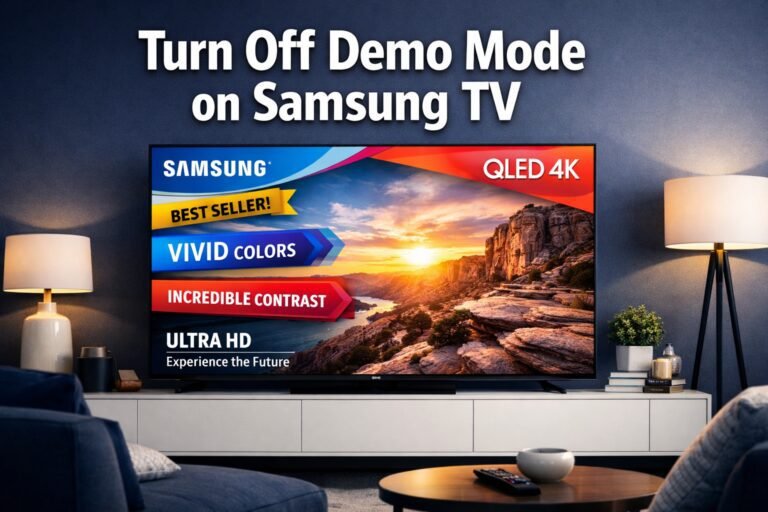
Turn Off Demo Mode on Samsung TV: Stop Pop-Ups in 10 Seconds
Last updated: April 24, 2026 Quick Answer To turn off demo mode on a Samsung TV, press Home on your remote, go to Settings > General > System Manager > Usage Mode, and select Home Mode instead of Store Demo. On older models, the path is Settings > Support > Home Mode. The whole process…