
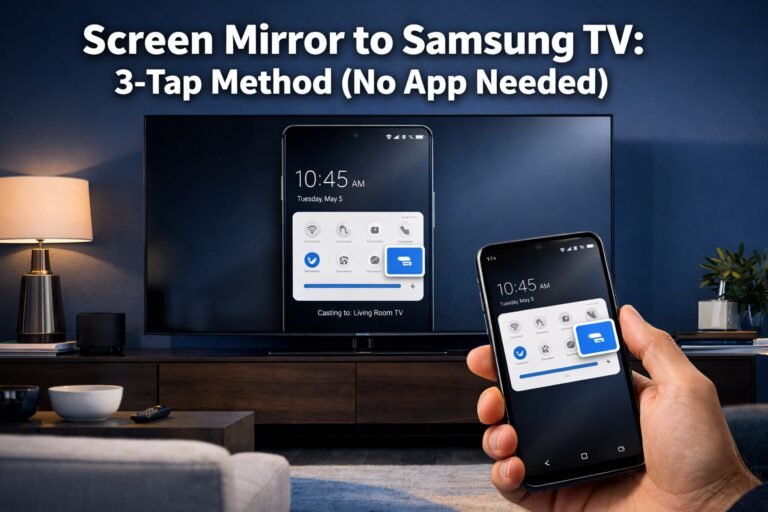
Screen Mirror to Samsung TV: 3-Tap Method (No App Needed)
Last updated: May, 2026 Quick Answer: You can screen mirror to a Samsung TV in about three taps using your Android phone’s built-in Quick Settings panel — no third-party app required. Pull down the notification shade twice, tap the “Smart View” or “Screen Mirror” tile, then select your Samsung TV from the list. Both devices…